🖥️ How to Build a Professional Gaming PC in 2025: A Complete Guide
Building your own gaming PC in 2025 isn’t just about performance—it’s about efficiency, style, and value. Whether you’re a beginner trying your first build or a seasoned gamer looking for the ultimate rig, this guide walks you through everything you need to create a setup that dominates in every game.
🎯 Step 1: Define Your Purpose
Before buying any parts, answer this:
Are you gaming only?
Streaming and gaming?
Content creation (video editing, 3D work) + gaming?
🎯 Tip: Don’t overpay for specs you don’t need.
🧠 Step 2: Choose the Right CPU
The CPU is the brain of your PC. In 2025, here are some of the top gaming choices:
🔹 Recommended CPUs:
Use Case
AMD
Intel
Budget
Ryzen 5 7500F
Intel Core i5-13400F
Balanced
Ryzen 5 7600
Intel Core i5-14600K
High-End
Ryzen 7 7800X3D
Intel Core i7-14700K
https://www.youtube.com/watch?v=ScrPuQH1Uoo
🎮 Step 3: Graphics Card (GPU)
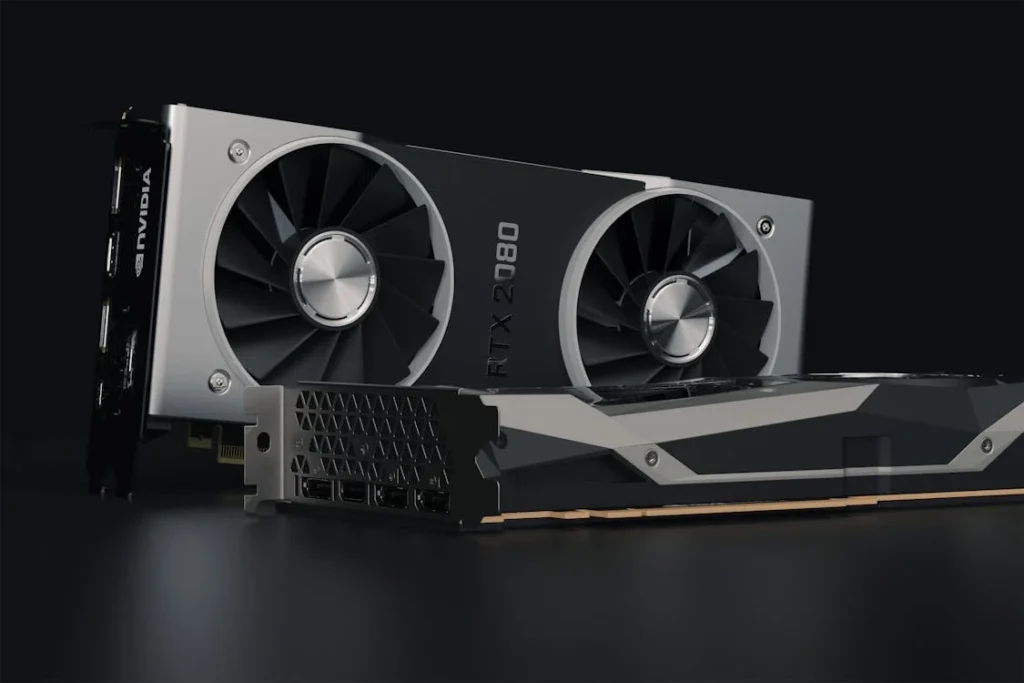
This is the most important part for gaming. The GPU determines how well you run games, especially at high resolutions like 1440p and 4K.
🔹 Recommended GPUs:
Budget
Mid-Range
High-End
RTX 4060
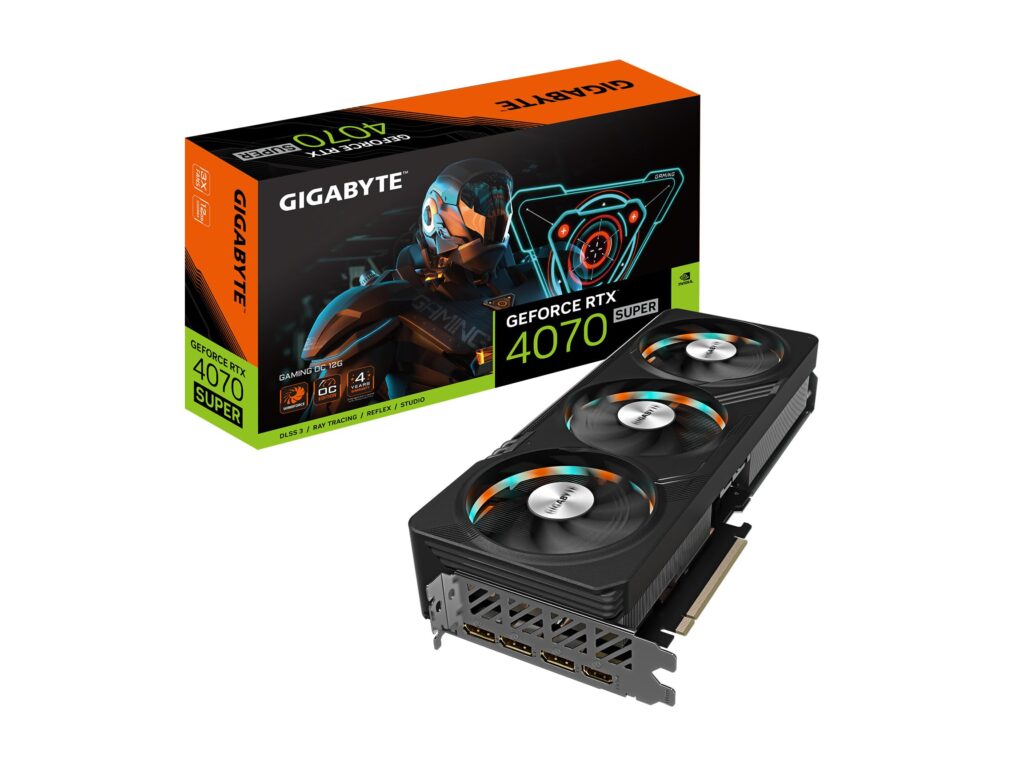
RTX 4070 Super
RTX 4080 Super / RX 7900 XTX
🔁 Step 4: RAM – Memory Matters
For gaming in 2025, DDR5 is the new standard.
🔹 Recommended:
Minimum: 16GB DDR5 (6000 MHz)
Ideal: 32GB DDR5 (if multitasking, streaming, or modding games)
🎯 Tip: Look for features like WiFi 6, PCIe 5.0, and plenty of M.2 slots.
🔌 Step 7: Power Supply (PSU)
Power is crucial. Don’t skimp here.
Recommended Wattage: 650W–850W
Certification: 80+ Gold or better
Modular Cables: Easier for clean builds
💨 Step 8: Cooling & Case
Air or liquid cooling?
Air is quieter and easier.
Liquid looks cooler but requires maintenance.
🔹 Best Air Coolers:
DeepCool AK400
Noctua NH-D15
Case Recommendations:
NZXT H5 Flow
Lian Li Lancool 216
https://www.youtube.com/watch?v=aRrEYIWOM6c
🖥️ Step 9: Monitor & Peripherals
Monitor: Look for 144Hz or higher + 1ms response time
Keyboard: Mechanical, like SteelSeries Apex Pro (adjustable switches)
Mouse: Lightweight with customizable DPI
Headset: Surround sound is a game-changer
💡 Extra Touch: RGB lighting adds aesthetics without affecting performance.
🔧 Sample Build (Approx. JD 1000-1200):
Component
Model
CPU
Ryzen 5 7600
GPU
RTX 4060 Ti
RAM
16GB DDR5 6000MHz
SSD
1TB NVMe (Samsung 980)
Motherboard
B650M WiFi
PSU
650W 80+ Gold
Case
NZXT H5 Flow
Cooler
DeepCool AK400
📸 Gallery:
🎯 Final Tips:
Always double-check compatibility using PCPartPicker
Don’t be fooled by flashy RGB or aggressive marketing—focus on real performance
Invest in a good PSU and motherboard—they affect long-term stability
Update BIOS and drivers for best performance after building
💬 Want Help Choosing Parts?
SmartX can help you build the perfect PC for your needs. Browse our parts catalog or message us directly—we offer custom build consultations and bundles!


 Choetech CH0021 USB Type-C To HDMI Up To 4K - 1.8M
1 × 18 د.ا
Choetech CH0021 USB Type-C To HDMI Up To 4K - 1.8M
1 × 18 د.ا  Choetech CH0021 USB Type-C To HDMI Up To 4K - 1.8M
  Turtle Beach Stealth 600 Gen 2 Wireless Gaming Headset – PS - White
 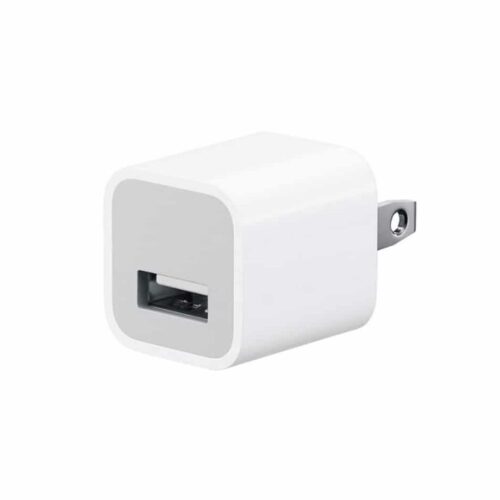 Apple USB Power Adapter Wall Charger md810
 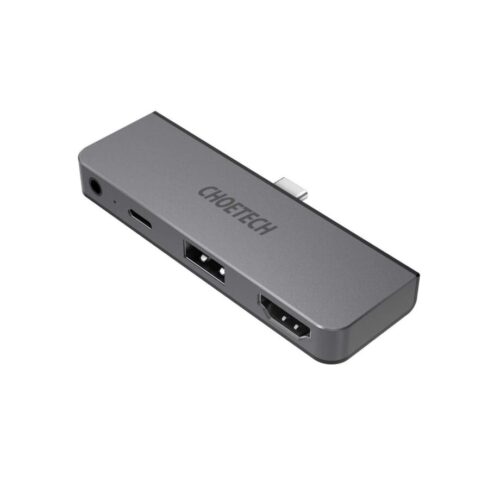 Choetech 4 In 1 IPad / Tablet USB Type C Hub
 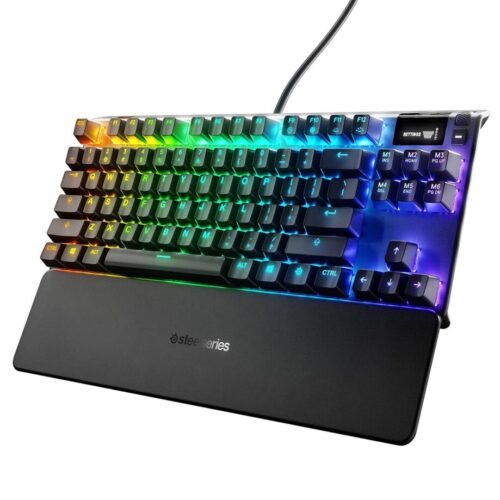 SteelSeries Apex 7 TKL Keyboard Wired (Red Switch)
 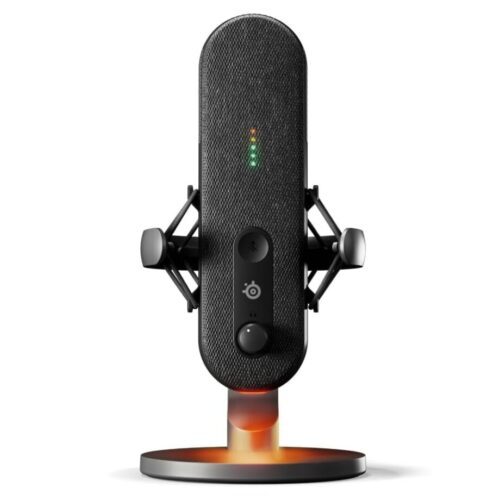 SteelSeries Alias USB Mic for PC 3x Bigger Capsule with Shock Mount
  Fantech AGILE MP903 Space Edition Gaming Mouse Pad – XXL
 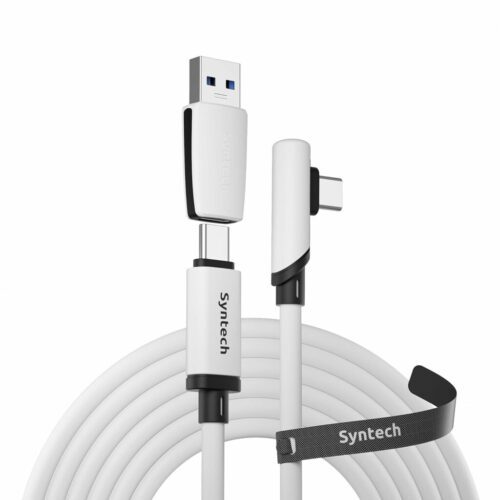 Syntech C101 Link Type-C Cable Compatible with Meta/Oculus Quest 3S/Quest 3/2/Pro/Pico 4/Ultra and PC/SteamVR with USB 3.0 Adapter - 5M White
 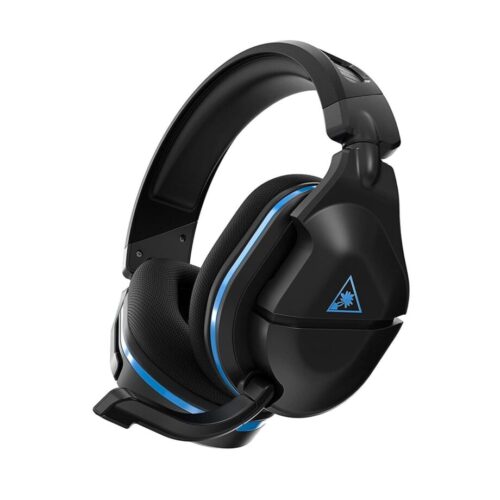 Turtle Beach Stealth 600 Gen 2 Wireless Gaming Headset – PS - Black
 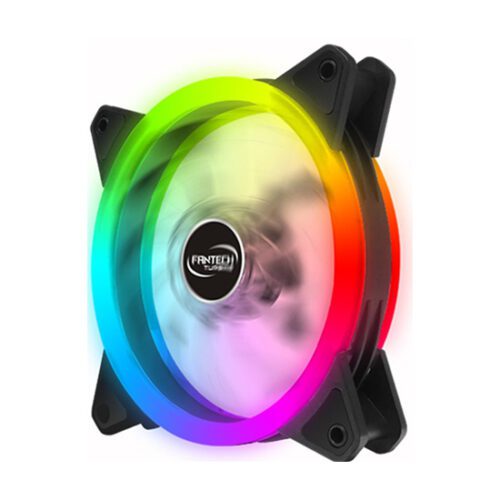 Fantech FC-124 120mm Case Fan - RGB
 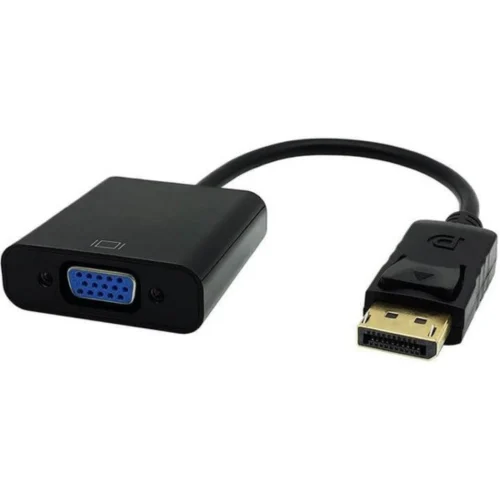 15cm Display Port to VGA Cable Adapter (Male to Female)